


How to accept online payments without a checkout
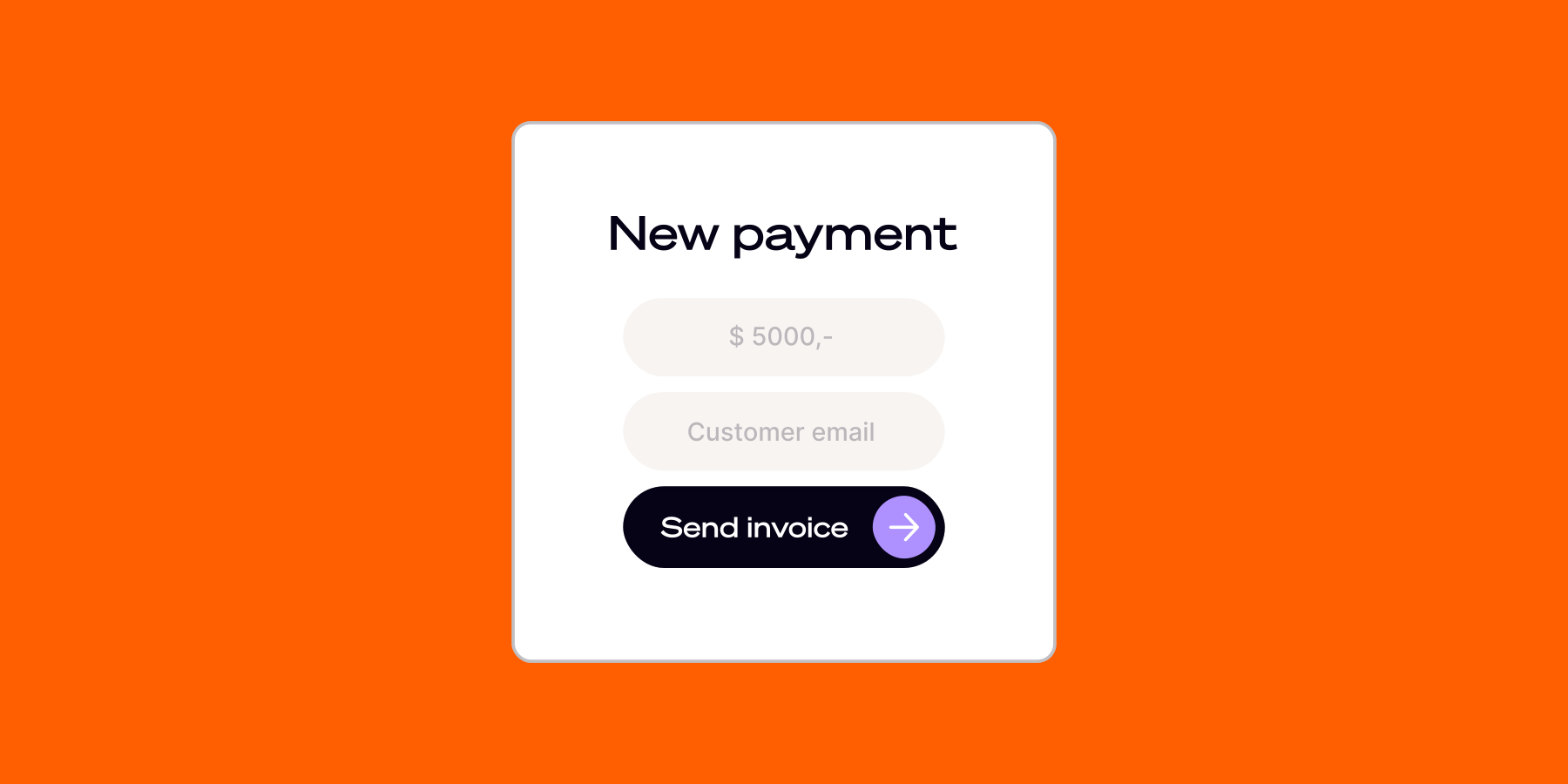
If there's no shopping cart or checkout on your site, you're probably still chasing bank transfers or emailing PDF invoices and hoping they get paid on time.
But here’s the good news: you can start taking payments, with no cart or existing e-commerce functionality, no developer, no APIS, and no new website required.
Why service businesses need a payment solution, not a shopping cart
If you run a consultancy, a clinic, an agency, or any business that invoices for its work, an online shop isn't what you need. What you need is a way to get paid for the work you've already done, without waiting on a bank transfer or reminding a client to pay.
The old way costs you more than time. Late payments disrupt cash flow, and manual reconciliation, matching bank transfers to invoices, eats into hours you don't have. A PDF invoice, however well designed, doesn't give clients the fast, familiar experience they expect when paying for anything else online, and when entering bank details to settle a payment, mistakes can happen.
None of this needs a shopping cart to fix. It needs a payment method built for how service businesses actually get paid.
The main ways to accept payments without building a checkout
Three methods cover almost every situation you'll run into: a hosted payment page for a branded, always-on payment experience; payment links to replace one-off invoices; and QR codes to send someone from a physical or printed touchpoint straight to an online payment page. MOTO payments, which can be taken via a virtual payment terminal, cover the rest.
| Method | Best for | Setup required | Works with your existing site? | Recurring billing? |
|---|---|---|---|---|
| Hosted payment page | A branded, standalone or embedded payment page | Link or embed, no cart build | Yes, redirect, iFrame, lightbox, or standalone | Yes |
| Payment links | Replacing invoices and bank transfers | Minimal, send a link from the dashboard | Yes | Yes |
| QR codes | Sending customers from print, packaging or a screen to an online payment page | Minimal, generate and display a code and manage the payment amount from the dashboard | Not required | No |
| MOTO | Phone, post, or email orders | Minimal, accept payments via the dashboard | Not required | No |
We don't cover adding a payment gateway or shopping cart to your website here. If you already have a website and need a simple and fast way to accept payments without building complex payment infrastructure, the methods below are an alternative to that.
Hosted payment pages: a checkout without building one
For a business with a website and no cart, a hosted payment page is usually the best fit. It gives you a secure, professional payment page without any of the development work a checkout normally demands.
How a hosted payment page works
A hosted payment page lives on a secure, PCI DSS compliant server, so you never handle card data directly. You can link out to it from your existing site, embed it as an iFrame or lightbox, or use it as a completely standalone page with no integration at all. It can display payment methods dynamically based on the customer's location or preference, support OneClick payment for returning customers, and be A/B tested so you can refine its layout and design over time.
Best for
Businesses that want a payment experience that looks and feels like part of their brand, without building or maintaining a cart. That covers consultants sending a link for a project fee, clinics taking a booking deposit, and B2B service providers collecting payment on account.
Linking a hosted payment page vs. building an integrated checkout
An integrated checkout means development work: building a cart, connecting a gateway, and maintaining it. A hosted payment page skips all of that. You link to it, or embed it, and Ecommpay handles the security, compliance, and payment logic behind it. Compared with a bank transfer or a PDF invoice, it gives your customer a proper payment page, with your branding, in a few clicks, rather than a set of bank details to copy into their banking app.

Payment links: the fastest way to replace invoices
If your business runs on invoices, this is the method to focus on. A payment link does everything a PDF invoice does, and gets you paid faster.
How payment links work
A payment link functions like a digital invoice. You send it by email or messaging app, the customer clicks it, sees a payment page, and pays by entering their card details in a few taps. There's no gateway, no integration, and no developer required to get started.
How Ecommpay payment links work
With Ecommpay's payment links, you generate and send the link directly from the merchant dashboard. The payment page it opens can be branded to match your business, even though it's hosted off-site, and it supports recurring and subscription billing if you invoice the same client on a regular schedule.
Best for
Consultants and agencies billing per project, tradespeople invoicing after a job, clinics taking a deposit ahead of an appointment, and B2B service providers who currently rely on bank transfers.
Payment links vs. bank-transfer invoicing: why the switch matters
A bank transfer invoice depends on the customer remembering to log into their bank, entering your details correctly, and you then matching that transfer back to the right invoice by hand. A payment link removes every one of those steps. The customer pays by card, in one click, and the payment reconciles automatically against the link you sent. You get paid faster, you spend less time on admin, and your client sees a payment experience that looks like it belongs to a business built for now, not one still relying on paper trails.
QR codes: a shortcut to your online payment page
Not every payment starts with a click. QR codes cover the moments a link or a page can't reach directly: print, packaging, a screen, a poster, but the payment itself is still completed online, on the customer's own device.
How QR code payments work
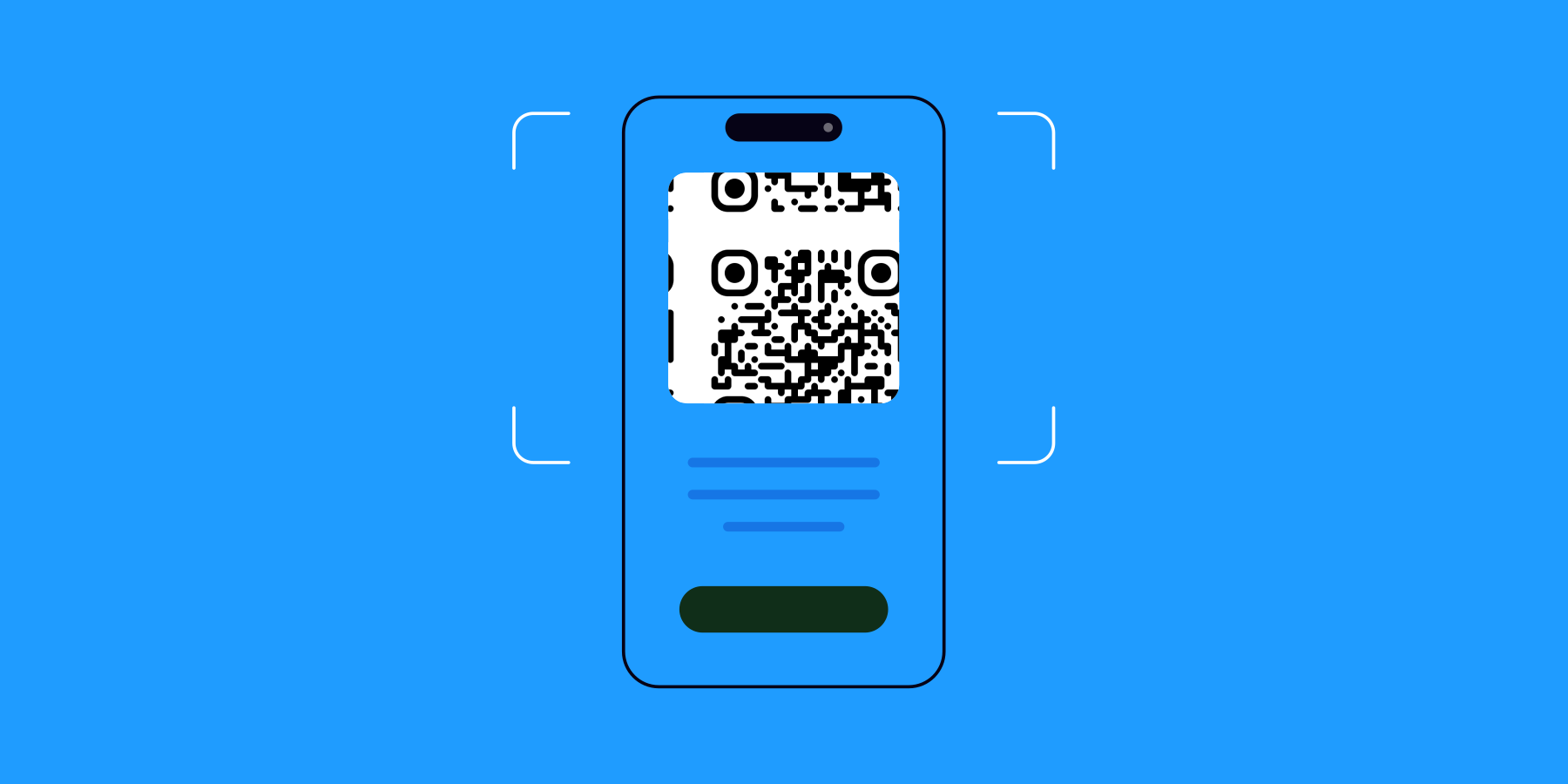
The customer scans a QR code with their phone's camera, which opens your online payment page in their browser. From there, they pay the same way they would from any payment link or hosted payment page, by entering their card details online. It's cashless and needs no card machine or terminal on your end, but the transaction itself is an online one, not a contactless tap-and-go, so it doesn’t connect to a physical point of sale (PoS) or ordering system, like those used in pubs or restaurants to place table orders.
Best for
Businesses that want to turn a physical or printed touchpoint - an invoice, a piece of packaging, a poster, a reception desk - into an instant route to an online payment page, without asking the customer to type out a link. Against a bank transfer or an invoice sent after the fact, a QR code gets the customer to checkout in one scan.
It's also a natural fit for donations and tips. A QR code on a till, event stand, or a charity collection point lets someone give an amount there and then, without you needing a card reader or them needing cash.
MOTO payments
Mail order and telephone order (MOTO) lets you take a payment over the phone, post, email, or fax, when the customer isn't in front of you. It's built for exactly this scenario and still runs on the same level of security and encryption you'd expect from a card-present transaction, via a virtual payment terminal.
Do you need a merchant account to accept online payments?
Yes. Whether or not you have a website, accepting card payments online requires a merchant account, or an equivalent underlying acquiring relationship with a payment provider. This applies to hosted payment pages, payment links, and QR codes alike; none of them let you bypass it. What they do let you bypass is the cart and checkout build that used to come with it.
How to choose the right method for your business:
- If you send invoices regularly, use payment links. They replace your invoice, get you paid faster, and reconcile automatically.
- If you want a payment page linked from your site, use a hosted payment page. It gives you a branded checkout experience without building one.
- If you want a physical or printed touchpoint to lead straight to an online payment, use a QR code. No card machine, no waiting for a bank transfer to clear.
- If your customers pay you over the phone, use MOTO. It's built for exactly that.
Frequently asked questions
Can I accept card payments without a shopping cart or checkout?
Yes. Hosted payment pages, payment links, and QR codes all let you take card payments without building or integrating a cart.
What is the easiest way to accept payments online?
For most service businesses, a payment link is the fastest way to get started. You send it directly from the dashboard, and your customer pays in a few taps, with no integration on your side.
How do payment links work?
You generate a link from the merchant dashboard and send it to your customer by email or message. They click it, see a payment page, and pay by card. The payment reconciles automatically.
Can I link a hosted payment page from my existing website?
Yes. You can link out to it, embed it as an iFrame or lightbox, or use it as a fully standalone page with no link from your site at all.
Can I accept recurring payments without building a checkout?
Yes. Both hosted payment pages and payment links support recurring and subscription billing, so you can take repeat payments without a cart.