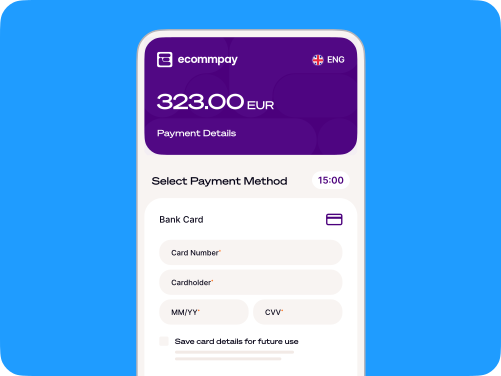
QR code payments
- Accept secure payments through one reusable QR code
- Create and customise it in the Ecommpay Dashboard
- No POS terminal or technical integration required
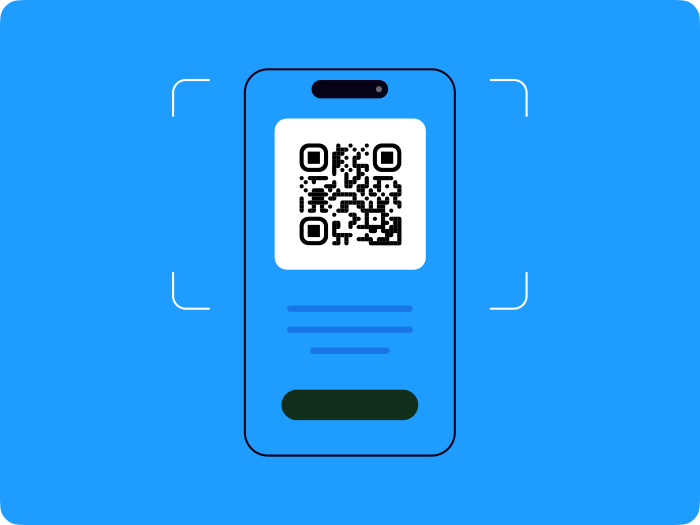
Turn any space into a place to pay
Create a QR code, display it online or in person and let customers scan and pay using their smartphone.
They choose or enter the amount before completing the transaction through Ecommpay’s secure Payment Page.
One static code can stay active for as long as you need it.

A simpler way
to accept payments

No additional hardware

One reusable code

Flexible payment amounts

Customise the experience

More ways to pay

Manage it from one place
How it works
Try the demo
Scan the QR code to experience how QR code payments work. See the payment journey from your customer's perspective in just a few seconds.
Prefer not to scan? Try the QR code payments demo here .
Experience the QR code payment journey directly on your phone. See what your customers see in just a few seconds.
Choose how customers set the amount


Designed for flexible payment moments

Hospitality

Charities and fundraising

Events and temporary venues

Independent businesses

Printed and digital campaigns
Secure from scan to payment
Transactions are completed through Ecommpay’s secure Payment Page, with 3DS authentication and Address Verification Service checks available.
One static code can be reused for every payment, with the amount set at checkout so customers can pay whatever’s appropriate.

Pay by mobile from any device
QR codes can also help customers complete a desktop checkout using their smartphone.
They scan the code and continue the payment by card, through a supported mobile banking app or with a digital wallet such as Apple Pay or Google Pay.